01
DG declaration draft
The transport-document structure for the chosen mode, field by field, with every determination marked for DGSA confirmation rather than filled in with a guess.
Dangerous goods documentation studio
Cargoclear turns a plain-language shipment description into a declaration draft, an SDS summary card, a packing and labelling checklist, a classification quick card, an emergency information card and a training brief. Every determination is printed as something your DGSA must confirm.

Reference only — DGSA review required
Cargoclear is software. It never handles, transports, stores or tests physical dangerous goods.
What one description produces
0
Linked documents
Produced from one shipment description, cross-referenced to the same consignment.
0
Transport rule sets
ADR, IATA DGR, IMDG and RID structures, switched from one control.
0
Diagram templates
Label, packing, classification and emergency plates, each stamped on export.
0
SDS sections mapped
The full safety data sheet structure, with the transport-critical sections called out.
The document set
The transport-document structure for the chosen mode, field by field, with every determination marked for DGSA confirmation rather than filled in with a guess.
A one-page card built on the sixteen-section safety data sheet structure, showing exactly what to lift from the supplier sheet and what to leave to the full document.
A sequenced list the packing station can work through, with the labelling and marking confirmations that follow the physical work.

Candidate entries, likely class and packing-group guidance, printed alongside the determinations still open. Nothing on the card is a settled classification.
Spill, fire and first-aid sequences sized for the vehicle cab or the packing bench, with space for the emergency number monitored during carriage.

A briefing outline covering what actually goes wrong with this commodity family, for the people who pack, mark and hand the consignment over.

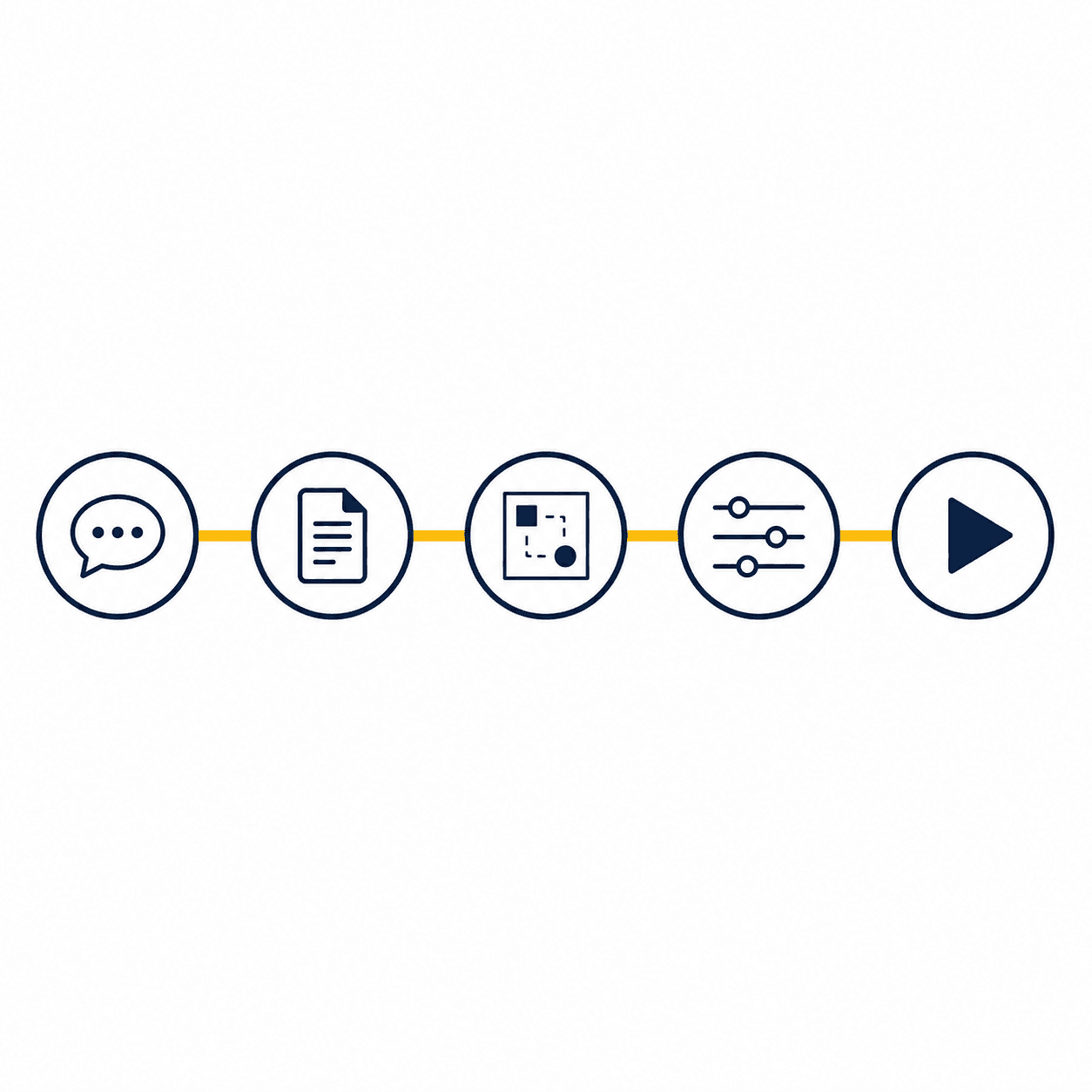
How the sequence runs
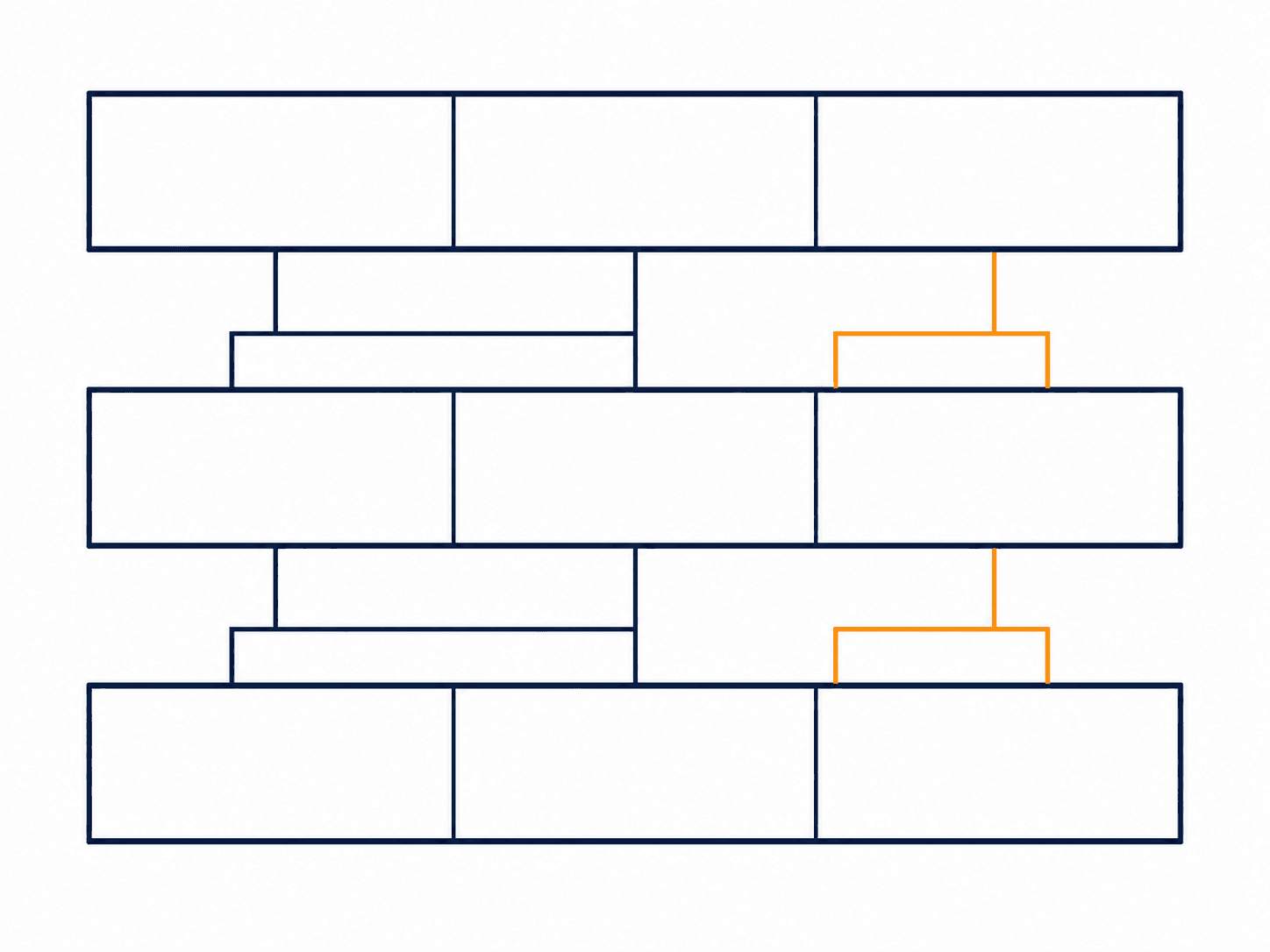
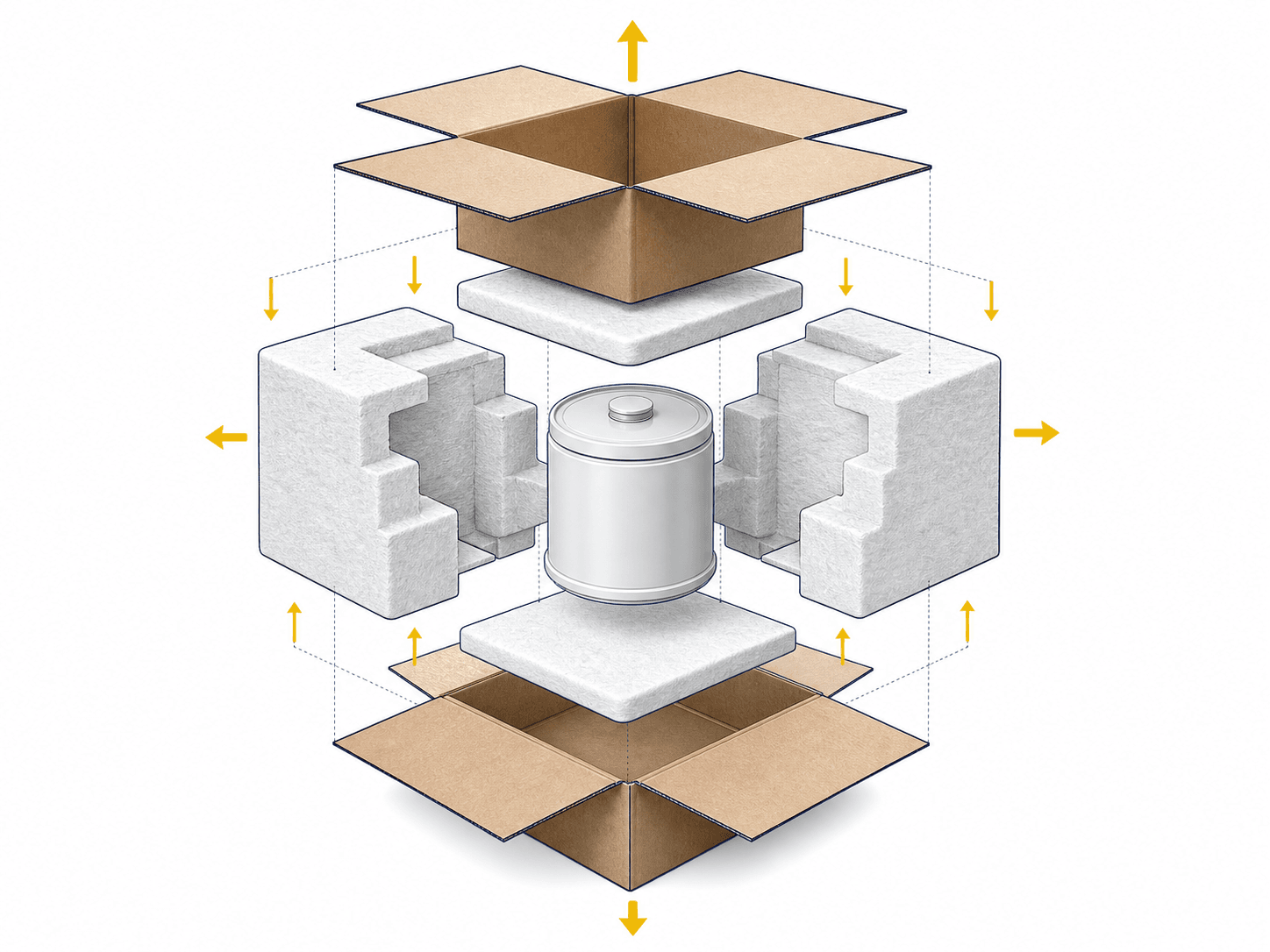

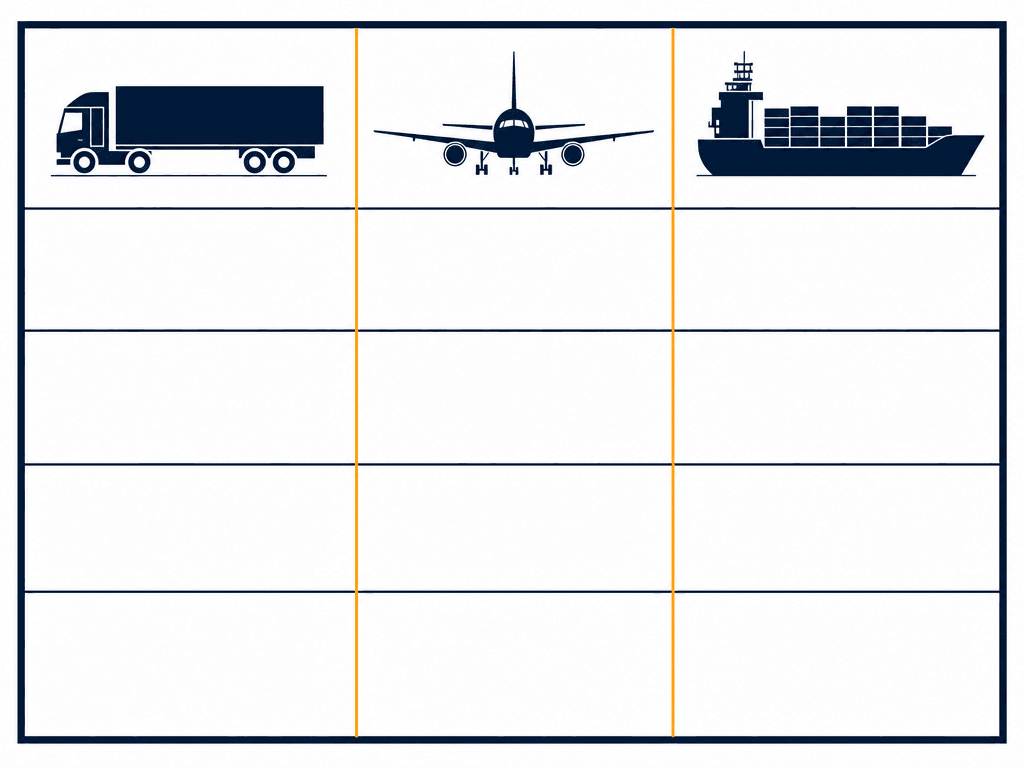
 Illustrative — verify against current regulations
Step 01
Candidate entries are printed as candidates. Section 14 of the supplier sheet is the source.
The engine identifies the commodity family from your description and returns the candidate entries alongside the questions still open. It does not assert a UN number, and it never assigns a packing group from a product name.
Packing steps are written for the commodity you described: terminal protection and dividers for cells, absorbent beds and clamped closures for liquids, valve guards for pressure receptacles.
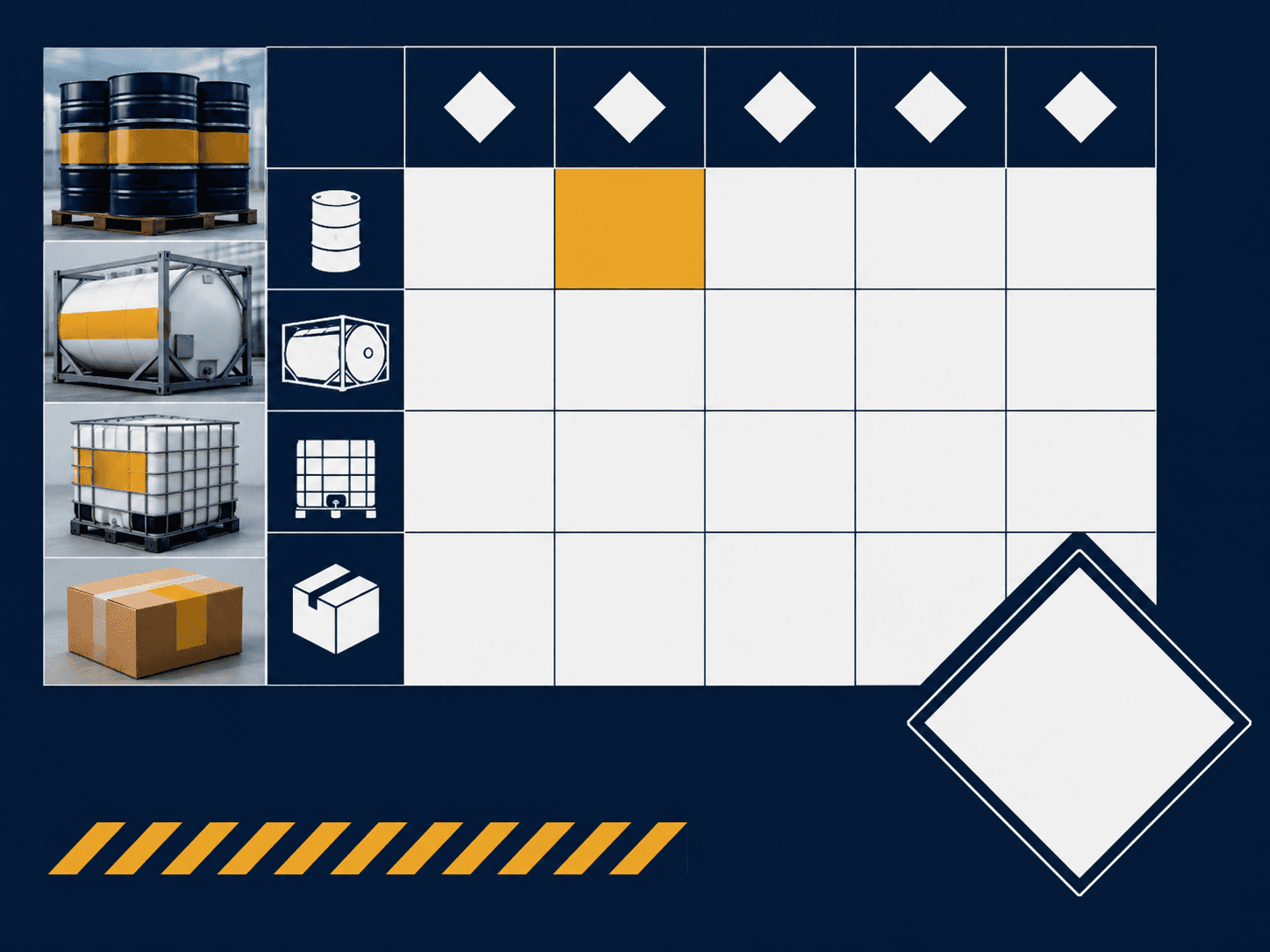
Label geometry is drawn so the packing station can plan placement. The sketches show where diamonds and marks sit; they are never printable compliance labels and must not be applied to a package.
Switch between road, air, sea and rail and the whole set regenerates: the document name, the rule set, the tunnel code question, the container packing certificate, the operator variation prompt.
Export the bundle as Markdown or JSON, download the stamped diagram sheet and record the walkthrough clip. Every artefact carries the same standing notice for the DGSA who signs it off.
Scope and limits
HAZARDOUS GOODS MANAGEMENT LIMITED has worked in dangerous-goods management consultancy since 1998. Cargoclear puts that documentation discipline into software and stops exactly where professional judgement begins.

Subscription
Try the paperwork engine on a single shipment.
$0free tier
For consignors and forwarders producing paperwork every week.
$29/ month USD
For QHSE teams running training and multi-mode consignments.
$149/ month USD
Catalogue onboarding
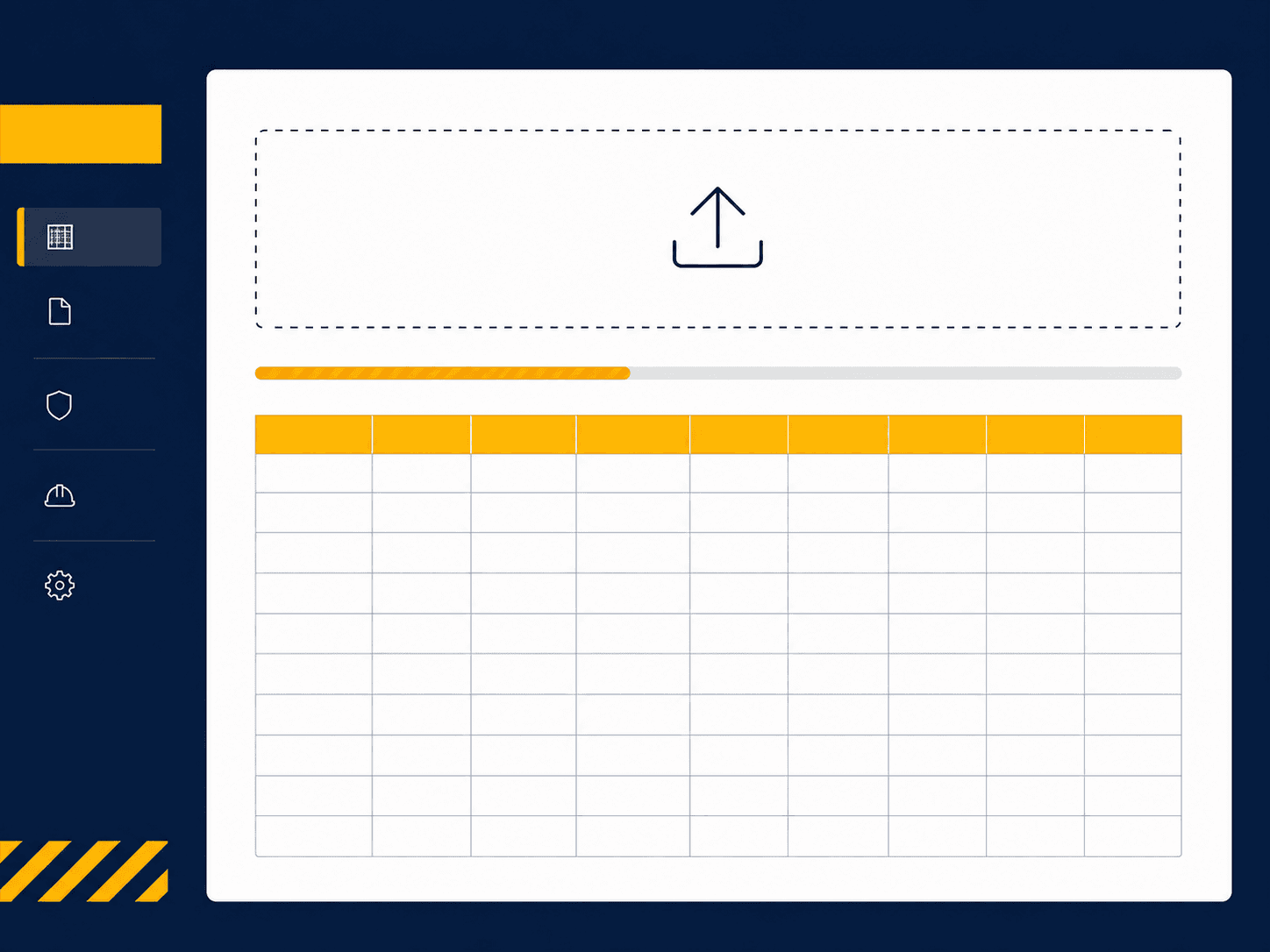
Studio subscribers can import a repeat item and safety data sheet catalogue so the same consignments draft in one step. Tell us what you ship and we will set the import structure up against your own list.
Questions
No. The engine returns candidate entries drawn from the commodity family it identifies, printed as candidates with the determination left open. The entry is settled from section 14 of the supplier safety data sheet and confirmed by a qualified DGSA against the edition of ADR, IATA DGR, IMDG or RID in force on the date of carriage.
No. The draft is a working structure that shows which fields must be completed and which determinations remain open. It must be completed, reviewed and signed by a person holding the required training or appointment for the mode before it goes anywhere near a carrier.
No. Label sketches are planning geometry for the packing station. Compliance labels have dimension, colour, durability and symbol requirements that a sketch does not meet. Obtain labels from a supplier that meets those requirements.
Your input is processed to produce the document set for that request and is not used to train any model. Retention, deletion and the boundaries around uploaded material are set out in the Privacy Policy and the Content License.
No. Cargoclear is subscription only. Each plan carries a monthly allowance that resets at the start of the billing period and does not carry over. There is nothing to top up and nothing held on account.
The free tier drafts two document sets a month with a stamped diagram. No card is required to try the engine on a real consignment.